Creative workflow
From product page to a campaign your team can test.
Afterform keeps reviewed product truth, scripting, a reusable creator profile, scenes, and production in one connected workspace. The model catalog is there when you want it, not where the work begins.
Campaign strategy
Start with the product, audience, and reason to care.
Paste a product URL or bring a brief. Use the workspace to identify the audience, problem, proof points, offer, objections, and campaign angles before spending time on production.
- Pull useful product facts and proof points into the working brief
- Define the audience, awareness stage, objection, and desired action
- Explore direct-response, problem-aware, testimonial, demo, and founder angles
- Turn the chosen angle into a clear creative direction
Hooks and scripts
Write for the first three seconds and the click that follows.
Develop creator-style hooks, spoken scripts, shot beats, on-screen copy, and CTAs around the same campaign angle. Review promising generated ideas without losing the brief that made them relevant.
- Generate hook families instead of near-identical rewrites
- Shape natural creator dialogue around product proof
- Map scripts to shots, overlays, captions, and CTA moments
- Compare generated hooks and scripts within the saved plan
Creator profiles
Reuse a consented creator profile across briefs.
Save delivery and appearance guidance, consent, provenance, and approved visual references around the audience, setting, and tone. The profile guides planning and scene prompts; it is not an automatically generated actor.
- Record speaking and appearance instructions
- Attach only consented, approved visual references
- Track whether the source is synthetic, original, licensed, or mixed
- Reuse the same profile with Product Kits and Brand Kits
Production
Build the scene, audio, captions, and motion together.
Move from still direction to video without splitting the campaign across disconnected tools. Use the same brief for scenes, spoken dialogue, generated audio where the selected route supports it, burned-in captions, and the final CTA.
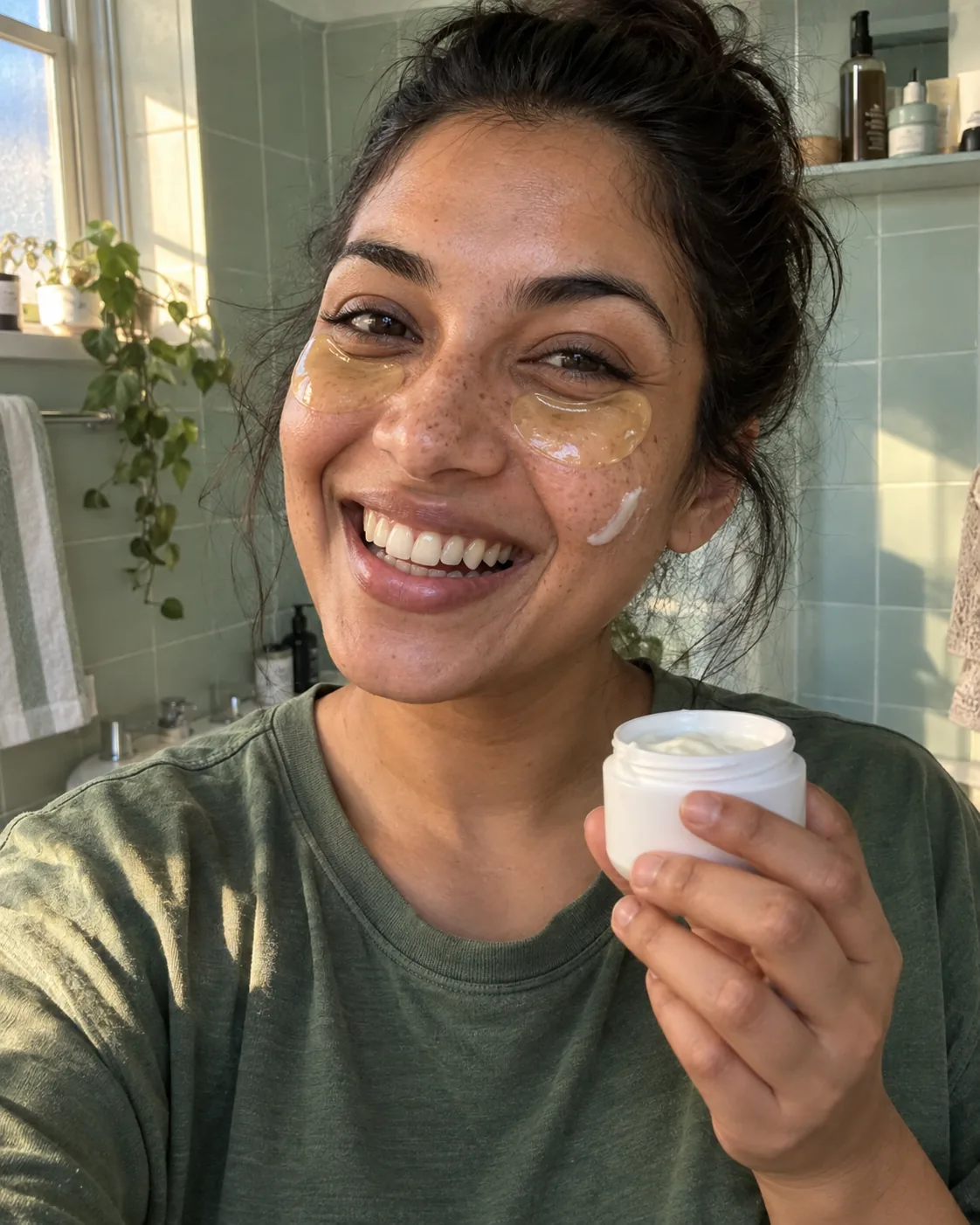

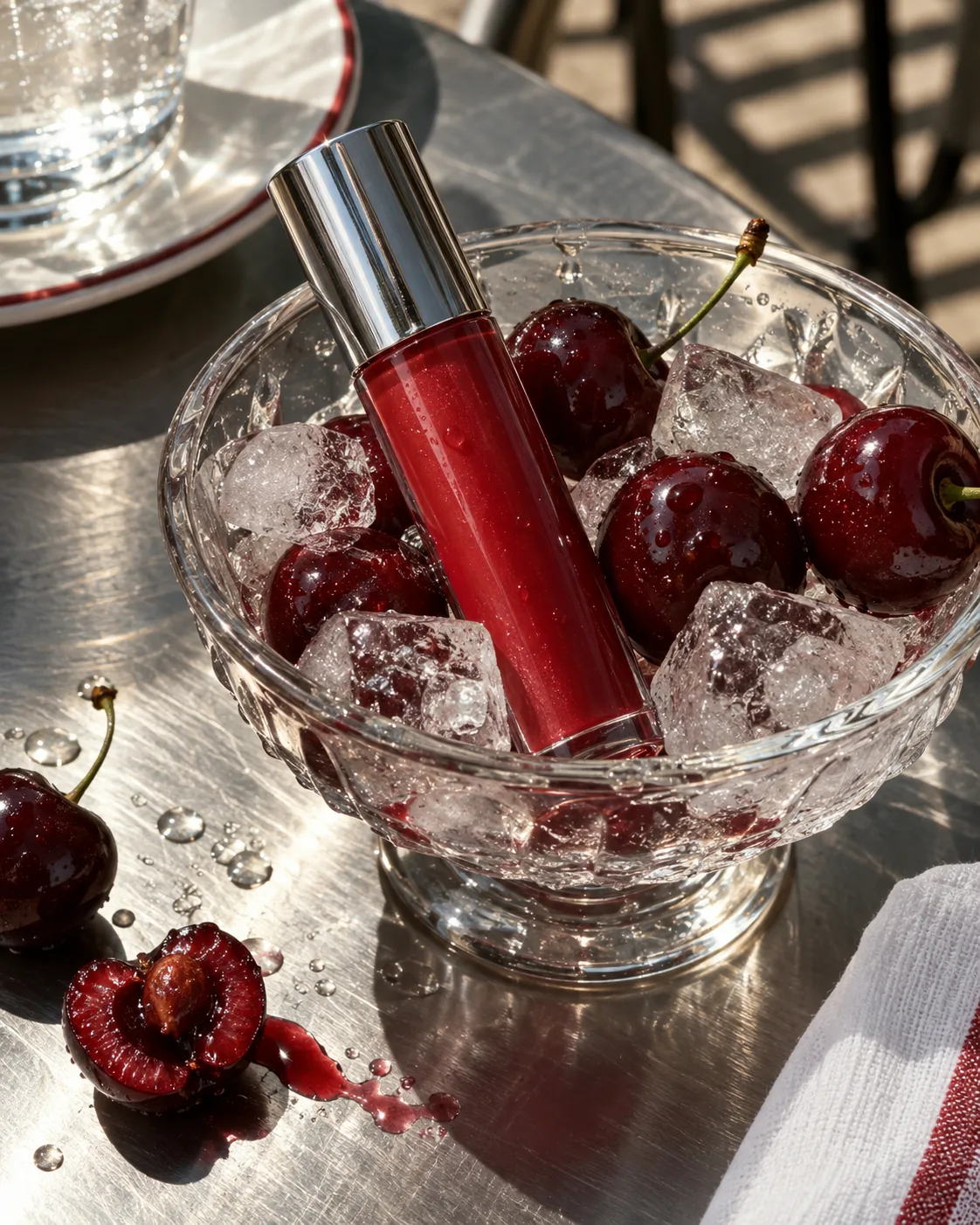
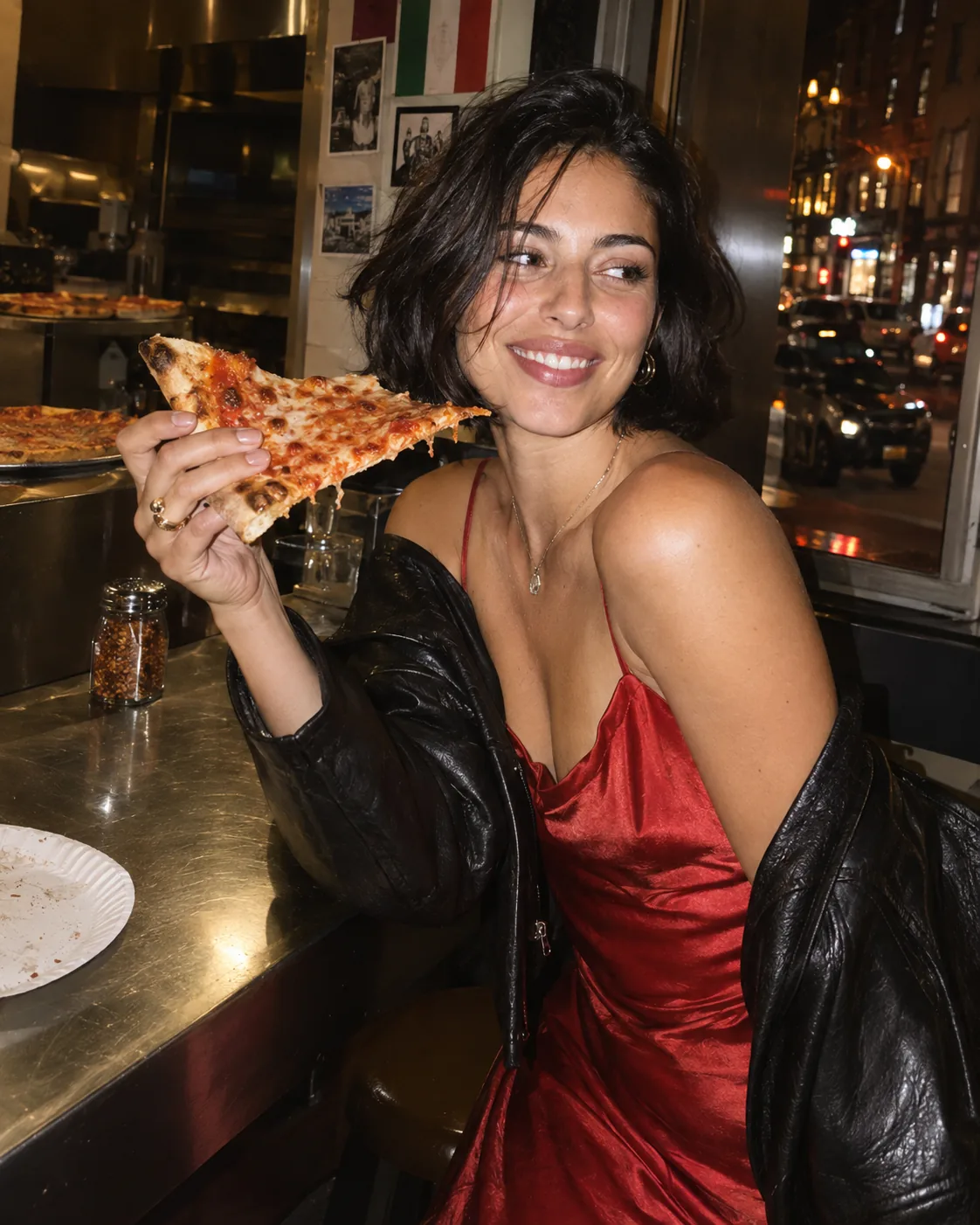
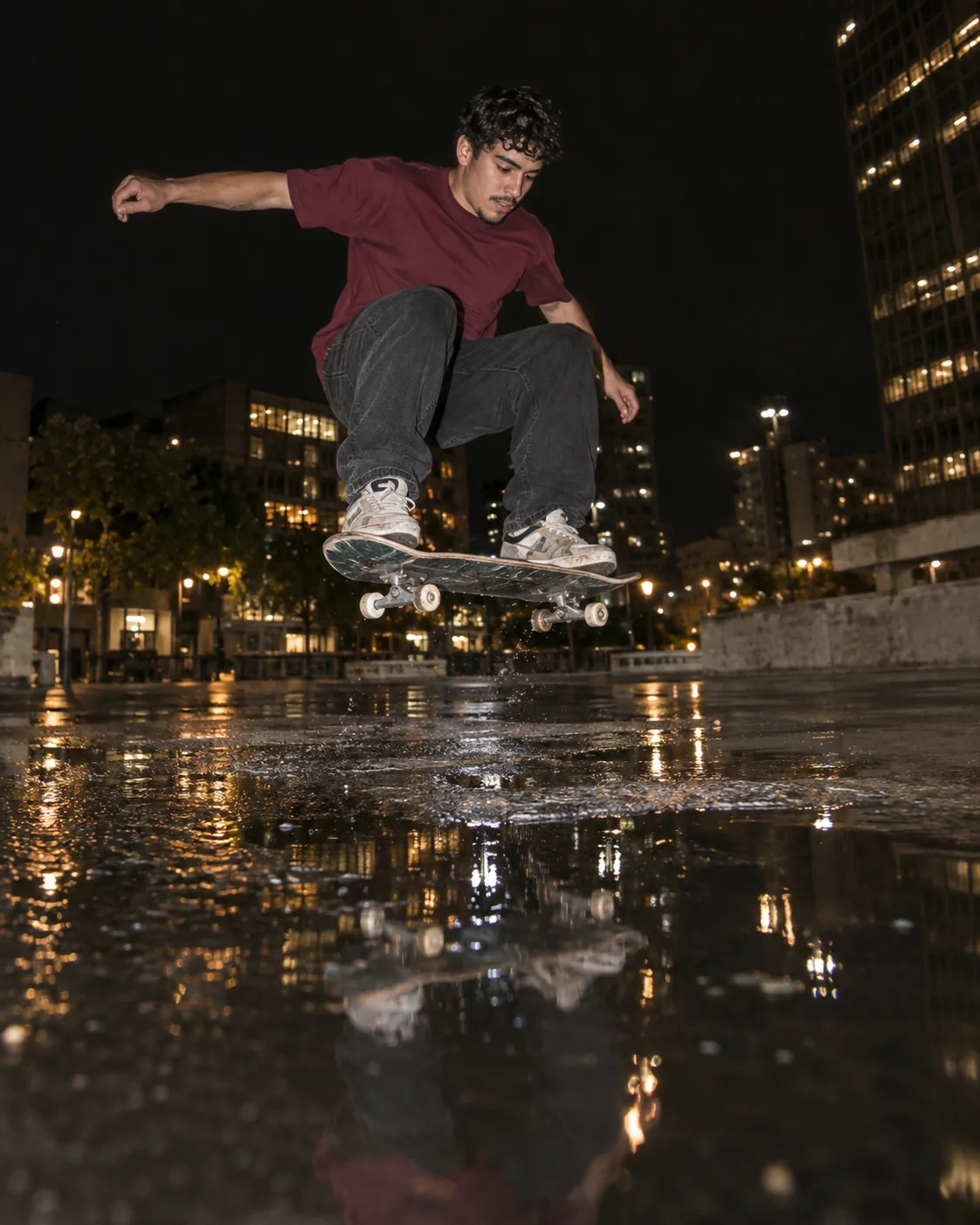
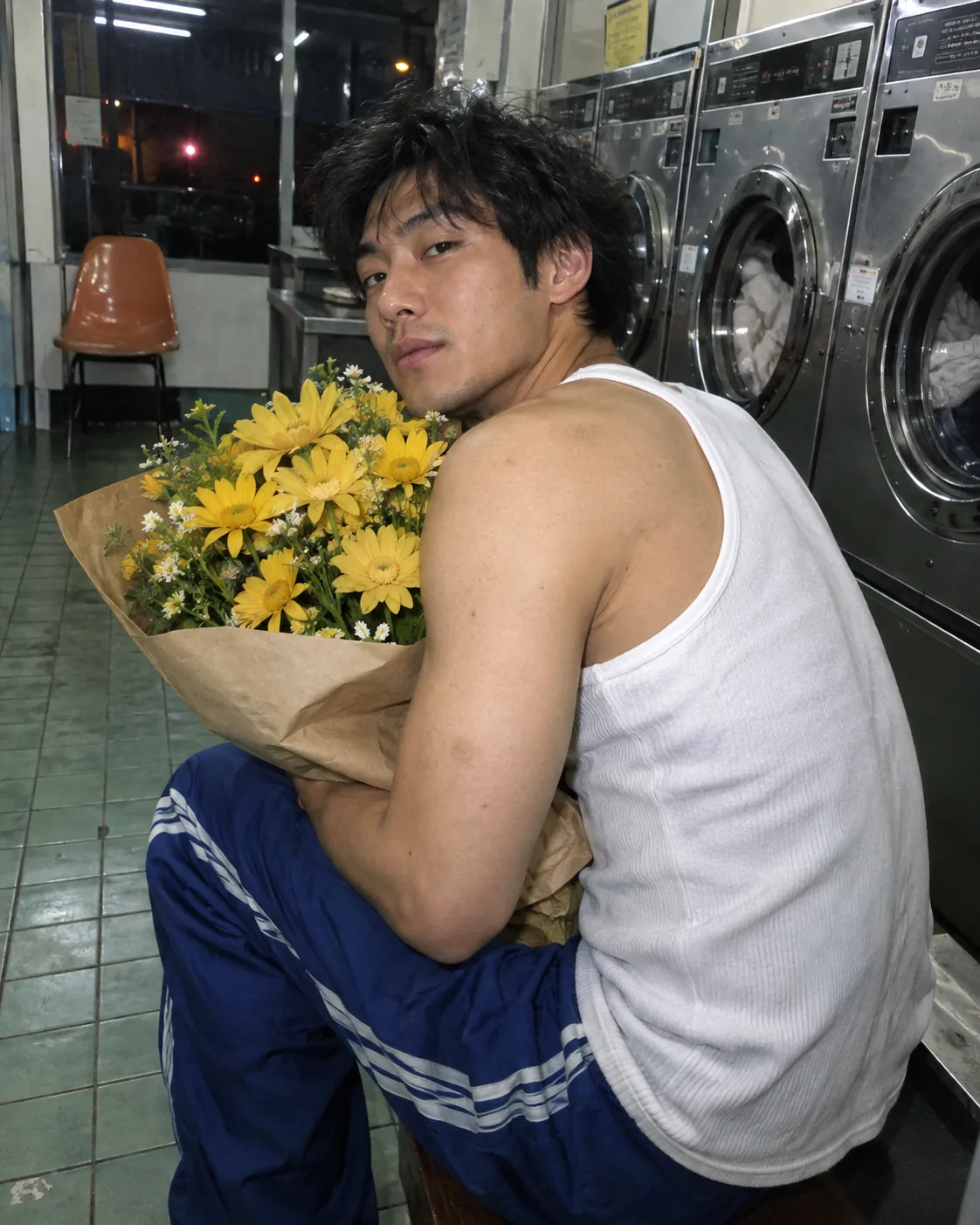


- Generate opening frames, product moments, and lifestyle scenes
- Turn a selected direction and script into video takes
- Develop spoken dialogue, on-screen caption, and CTA copy alongside the visuals
- Use product images, references, and documents as campaign context
Iteration
Keep the source context when you revise the output.
The saved campaign keeps its product, brand, creator profile, angles, scripts, and stable scenes together. Review the planning options or regenerate an individual scene without rebuilding those source records.
- Review multiple generated angles and scripts
- Regenerate an individual stable scene
- Keep approved references and brand rules linked
- Compose one MP4 from the current successful scene outputs
Advanced controls
Choose the model when it matters. Ignore it when it doesn’t.
The studio can route the work, while advanced users can select image and video models for a specific production need. Projects keep every alternative tied to the same source material.
- Choose a model inside the same project context
- Compare generations without rebuilding source inputs
- Keep outputs in the canonical asset library
- Track generation status and cost in activity and billing views
| Provider | Models |
|---|---|
| OpenAI | GPT Image 2 |
| Veo 3.1, Nano Banana 2 | |
| xAI | Grok Imagine |
| Alibaba | HappyHorse 1.0, Wan 2.7 |
| MiniMax | Hailuo 02 |
| Black Forest Labs | FLUX.2 Pro, FLUX Kontext |
| ByteDance | Seedream 5.0 Lite, Seedance 2.0 |
| Kling | Kling v3.0 Pro, Kling v3.0 Std |
Build your next campaign
in one studio.
Review the product, choose a reusable consented creator profile, shape the angle, and keep planning, generated scenes, supported scene audio, burned-in captions, and the CTA connected.